
PSVR HDMI Support and Clip (replaceable)

Loading file
  • Fullscreen
  • Wireframe
  • Zoom In
  • Zoom Out
  • Rotation
  • Screenshot
  • Help

Controls

×
  • Rotate with the left mouse button.
  • Zoom with the scroll button.
  • Adjust camera position with the right mouse button.
  • Double-click to enter the fullscreen mode.
  • On mobile devices swipe to rotate.
  • On mobile devices pinch two fingers together or apart to adjust zoom.
  • On mobile devices 3 finger horizontal swipe performs panning.
  • On mobile devices 3 finger horizontal swipe performs panning.

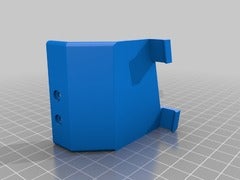
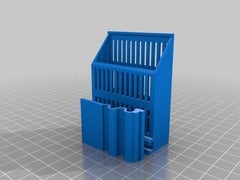
Modified in Windows 10 3D Builder, made the 2 slots for the HDMI/Power Plugs wider as the provided ones were way to narrow.

Added cut-outs for less material use to the main body.
Made the clip more flexible and replaceable, because mine broke the first time in use.
Make sure you print them as provided (don’t rotate), so the print lines support the clip’s bend direction!
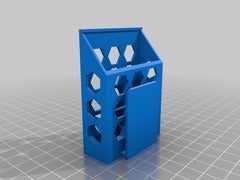
Playstation VR HDMI/Power Extension Belt Clip with Support

Modified in Windows 10 3D Builder, made the 2 slots for the HDMI/Power Plugs wider as the provided ones were way to narrow (about 1mm each side, so no snug fit, more a „no-fit“, may be due to my printer). The „socket box“ fitted nicely though.

Added some hex holes, no real purpose for them though 😀
Looks ok, prints ok, no support needed.

Sorry if something is weird or off – this is my first model/remix.

Liked on YouTube: Rocket League – Radical Summer | PS4

You’re totally invited to Radical Summer—Rocket League’s summer-long celebration of ’80s Blockbusters, Culture, and Television. Get ready for the siiiickest in-game items, limited-time modes, and Premium DLC inspired by the raddest cars of the decade. Get your aviator shades and mixtapes and go back in time on June 10. Check out the full Radical Summer schedule below. Stay radical!
Blockbusters: June 10
Culture: July 1
Television: July 22

http://bit.ly/318cVom

via YouTube Rocket League – Radical Summer | PS4

Anycubic Mega S / I3 Mega Caliper Holder

Loading file
  • Fullscreen
  • Wireframe
  • Zoom In
  • Zoom Out
  • Rotation
  • Screenshot
  • Help

Controls

×
  • Rotate with the left mouse button.
  • Zoom with the scroll button.
  • Adjust camera position with the right mouse button.
  • Double-click to enter the fullscreen mode.
  • On mobile devices swipe to rotate.
  • On mobile devices pinch two fingers together or apart to adjust zoom.
  • On mobile devices 3 finger horizontal swipe performs panning.
  • On mobile devices 3 finger horizontal swipe performs panning.

I removed the curved bit, nothing else, because having to print all the support for more removal was taking as long as not removing anything in the first place 😉

In case you need a caliper, I have chosen a Turata:
Amazon DE: https://amzn.to/2QCMiD7
Amazon GB: https://amzn.to/30WXZcx
Amazon US: https://amzn.to/2EP1DM6

*Affiliate links, if it’s ok for you. Prices stay the same, but I get a (very) small amount for telling you the link.

Liked on YouTube: Samsung Ditches Arm’s GPUs and Picks AMD

In a shock move, Samsung has announced that it has signed a deal with AMD for ultra low power, high performance mobile graphics IP based on AMD’s highly-scalable RDNA graphics architecture. In other words, it has dumped Arm’s Mali GPUs and gone off with AMD. But, will RDNA deliver on its promises?

Introduction to Android app development: http://bit.ly/2VkLULx

Let Me Explain T-shirt: http://bit.ly/2QcEJRU

Twitter: https://twitter.com/garyexplains
Instagram: http://bit.ly/2VjQ869

#garyexplains

via YouTube Samsung Ditches Arm’s GPUs and Picks AMD

Anycubic I3 Mega / Mega-S Anti Vibration Feet (Click-In)

Loading file
  • Fullscreen
  • Wireframe
  • Zoom In
  • Zoom Out
  • Rotation
  • Screenshot
  • Help

Controls

×
  • Rotate with the left mouse button.
  • Zoom with the scroll button.
  • Adjust camera position with the right mouse button.
  • Double-click to enter the fullscreen mode.
  • On mobile devices swipe to rotate.
  • On mobile devices pinch two fingers together or apart to adjust zoom.
  • On mobile devices 3 finger horizontal swipe performs panning.
  • On mobile devices 3 finger horizontal swipe performs panning.

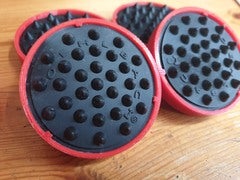
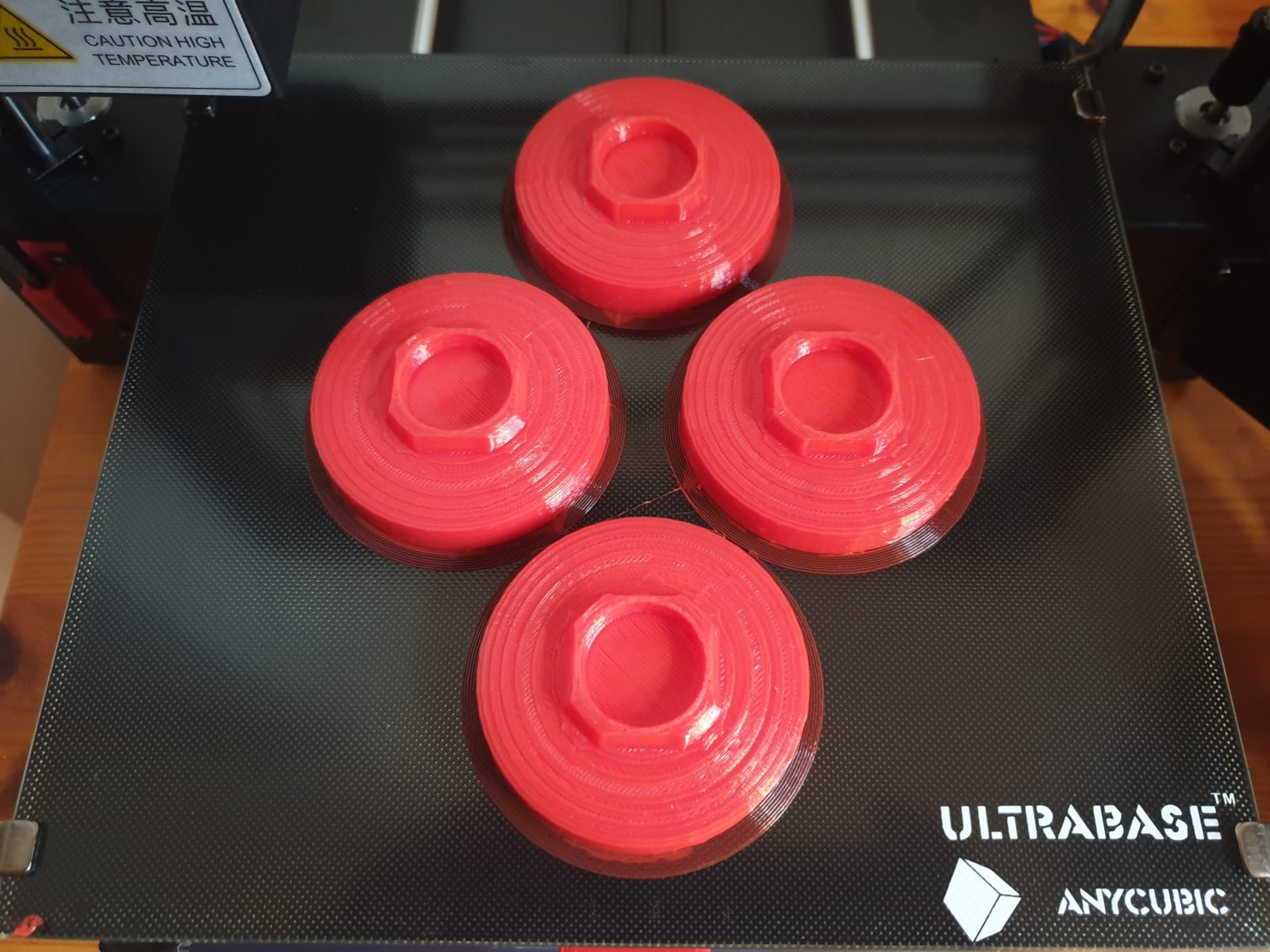
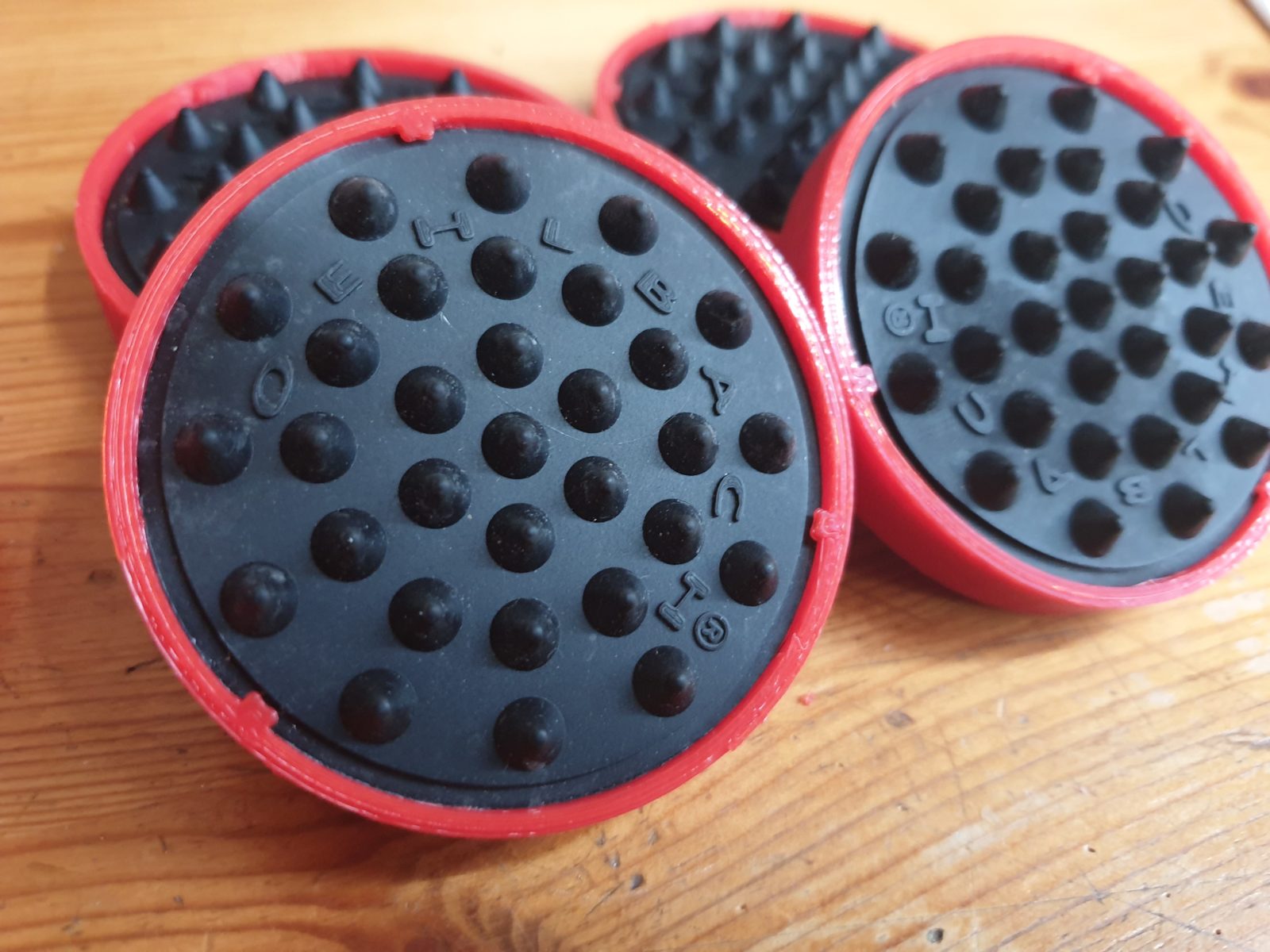
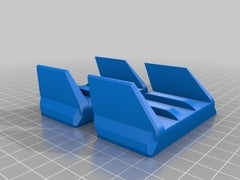
I have added some height and 3 little notches so the dampeners wont fall out.
I had those shock absorbers already, so I have chosen this design over the squash ball thing – and they are working very well.

In case you want to buy them, they are called „OEHLBACH Shock Absorber, elastisch schwarz (55038)“. They are not so common outside Germany, I guess, but here are some links.

Amazon Links*:
DE: https://amzn.to/2XyQ03y
UK: https://amzn.to/2Kw4PQn
US: not found

*The used link is a so-called affiliate one. When you buy the product using this link, I will receive a small provision. The price itself does not change because of the affiliation. Thanks for your support 🙂

Liquid Stand 10ml (Vape Liquid or Aroma bottles)

Loading file
  • Fullscreen
  • Wireframe
  • Zoom In
  • Zoom Out
  • Rotation
  • Screenshot
  • Help

Controls

×
  • Rotate with the left mouse button.
  • Zoom with the scroll button.
  • Adjust camera position with the right mouse button.
  • Double-click to enter the fullscreen mode.
  • On mobile devices swipe to rotate.
  • On mobile devices pinch two fingers together or apart to adjust zoom.
  • On mobile devices 3 finger horizontal swipe performs panning.
  • On mobile devices 3 finger horizontal swipe performs panning.

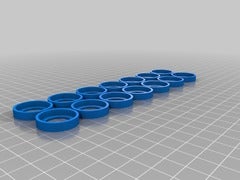
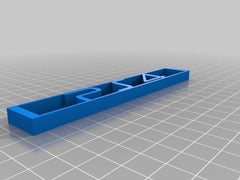
My first project made in Fusion 360: 10 ml 7×2 E-Liquid / Aroma Bottle Stand
Print with 100% Infill to get perfect circles (0.4 nozzle), takes only about 68 minutes for 174 x 49 x 5 mm.
As I am new to 3D printing and modeling – this is fine, is it?

UPDATE
After printing it now I am realizing: you may want to print it in 105%, so more bottles fit due to the extra 1 mm in diameter.

UPDATE 2
I have added a second version fittong slightly larger bottles.

PS4 Pro Vertical Stand with Hot Glue Feet

Loading file
  • Fullscreen
  • Wireframe
  • Zoom In
  • Zoom Out
  • Rotation
  • Screenshot
  • Help

Controls

×
  • Rotate with the left mouse button.
  • Zoom with the scroll button.
  • Adjust camera position with the right mouse button.
  • Double-click to enter the fullscreen mode.
  • On mobile devices swipe to rotate.
  • On mobile devices pinch two fingers together or apart to adjust zoom.
  • On mobile devices 3 finger horizontal swipe performs panning.
  • On mobile devices 3 finger horizontal swipe performs panning.

Remixed using Windows 10 3D Builder …

I have added place to fill up with hot glue, hopefully providing slide resistance and probably reducing vibrations transferring to the furniture – we’ll see 🙂